
Infinite canvas. Unlimited boards. Full keyboard control.
Moodis is a mood board app for artists on Windows and Linux. This page shows what it does, from the canvas to the keyboard.
Updated
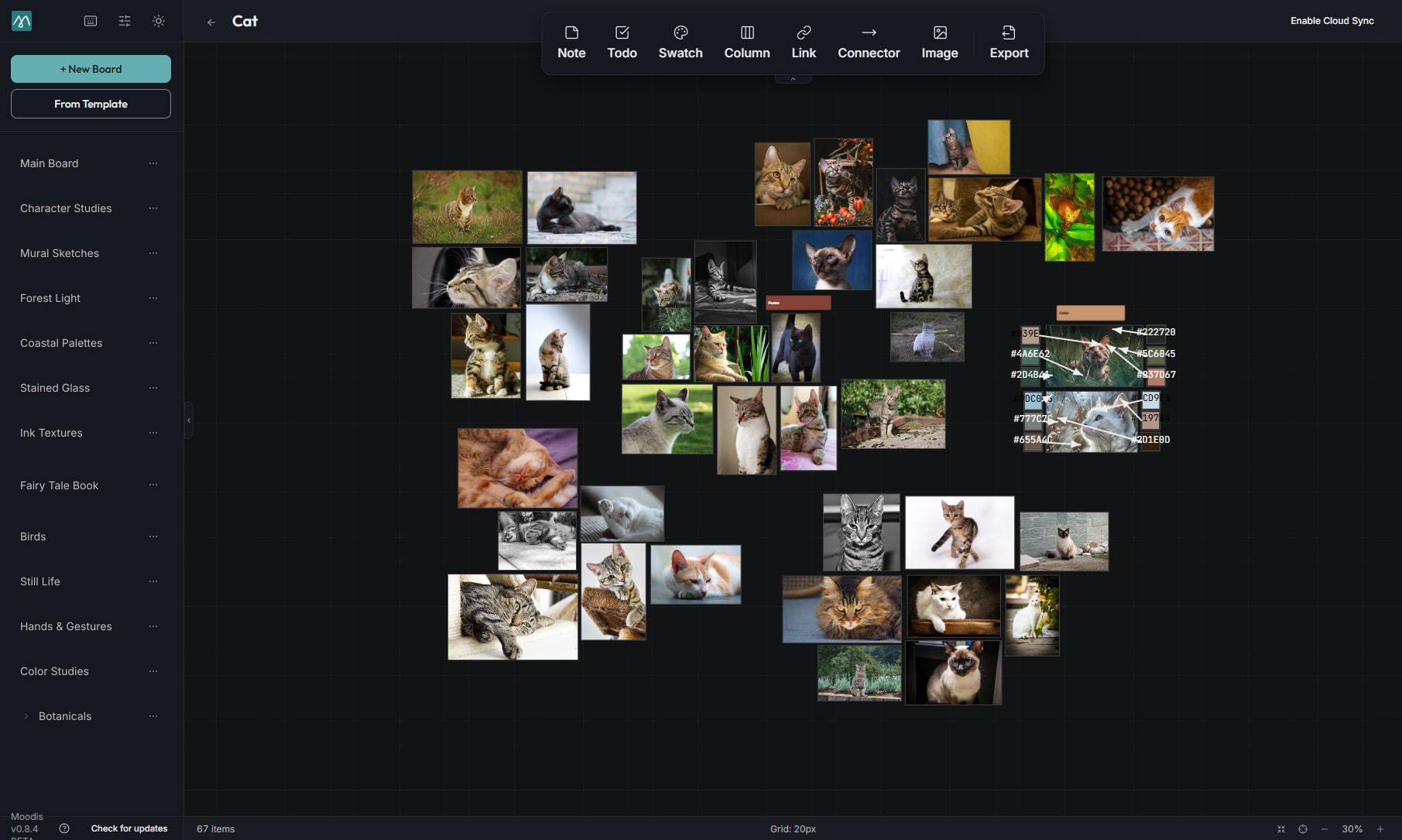
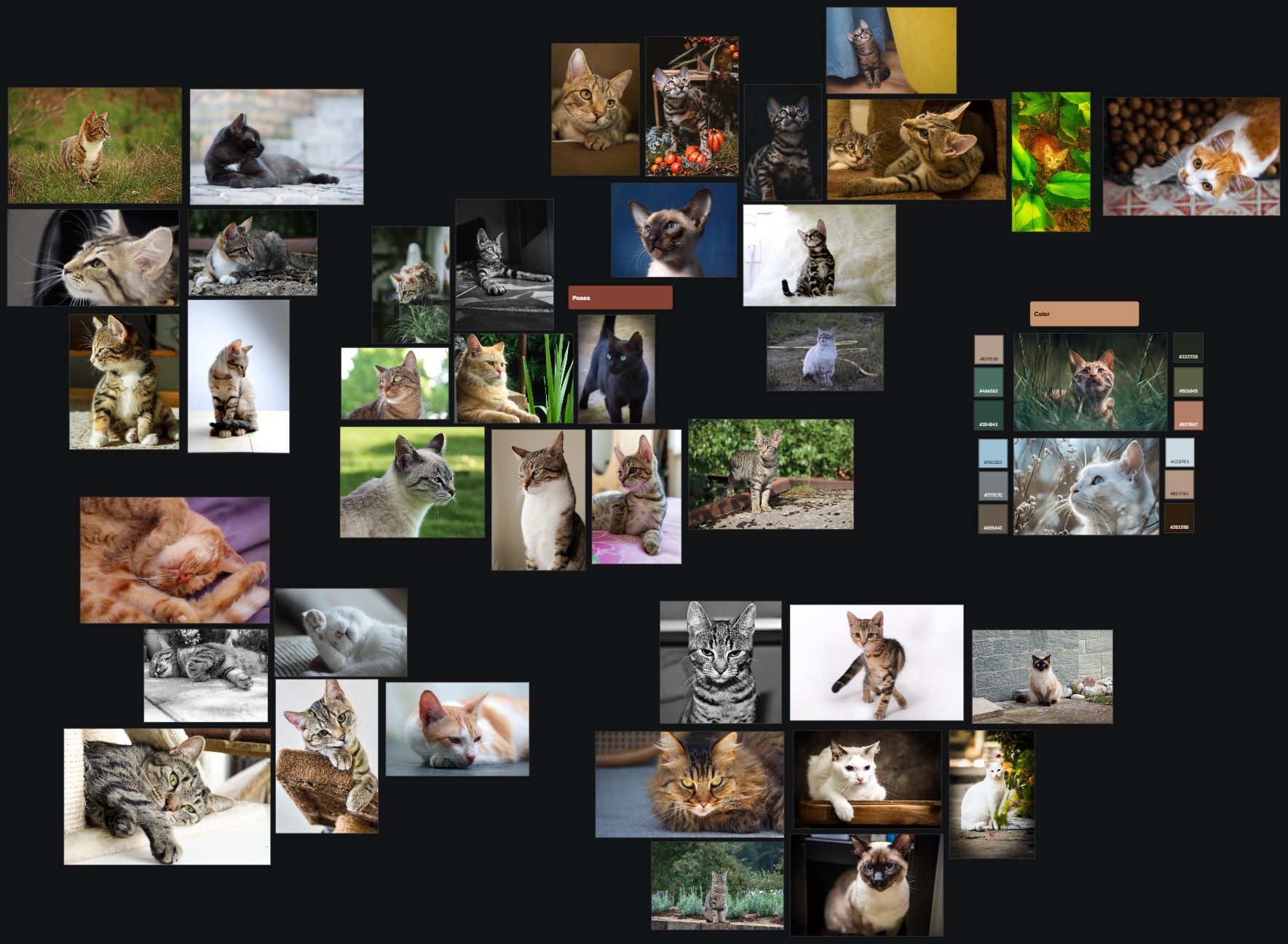
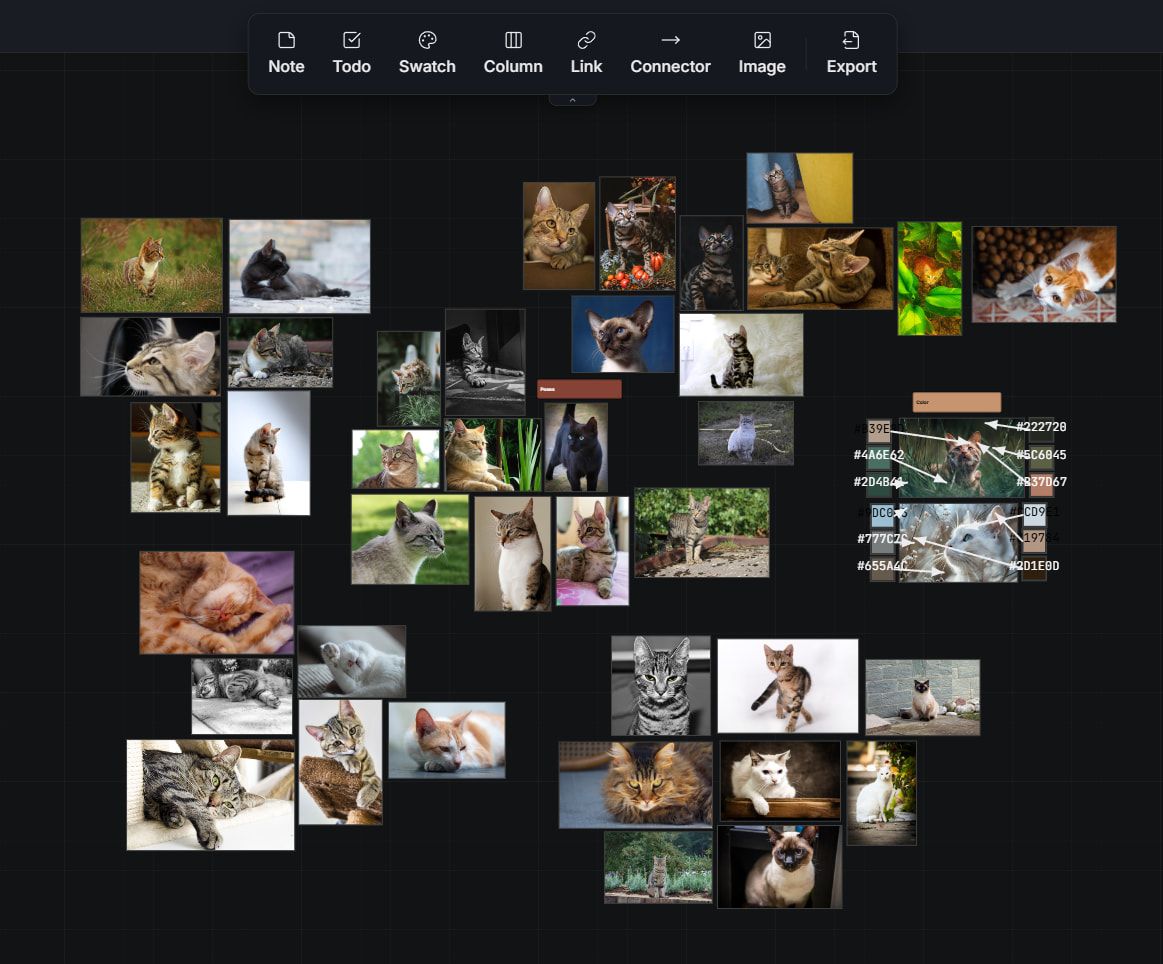
Infinite canvas
Pan, zoom, and arrange freely, with snap-to-grid when you want it.
- Smooth zoom from overview to detail
- Drag and drop images straight from your file manager
- Free-form arrangement for natural creative flow
Organized by project
Create separate boards for every project, client, or theme. Switch between collections instantly without losing your place.
- Unlimited boards
- Instant switching between boards
- Board-level export to image
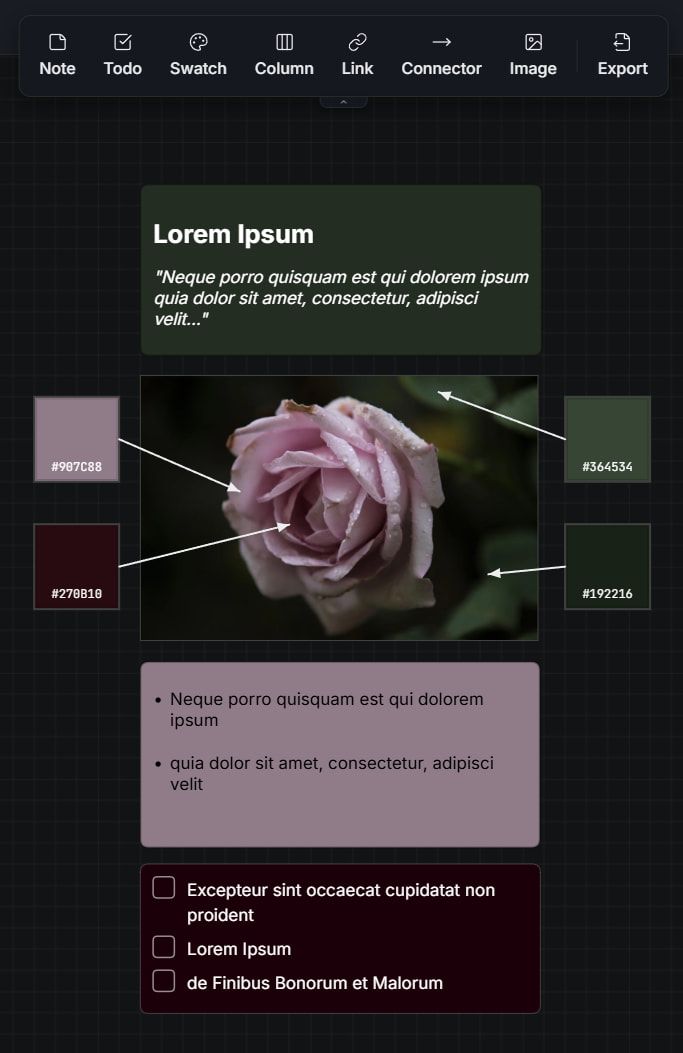
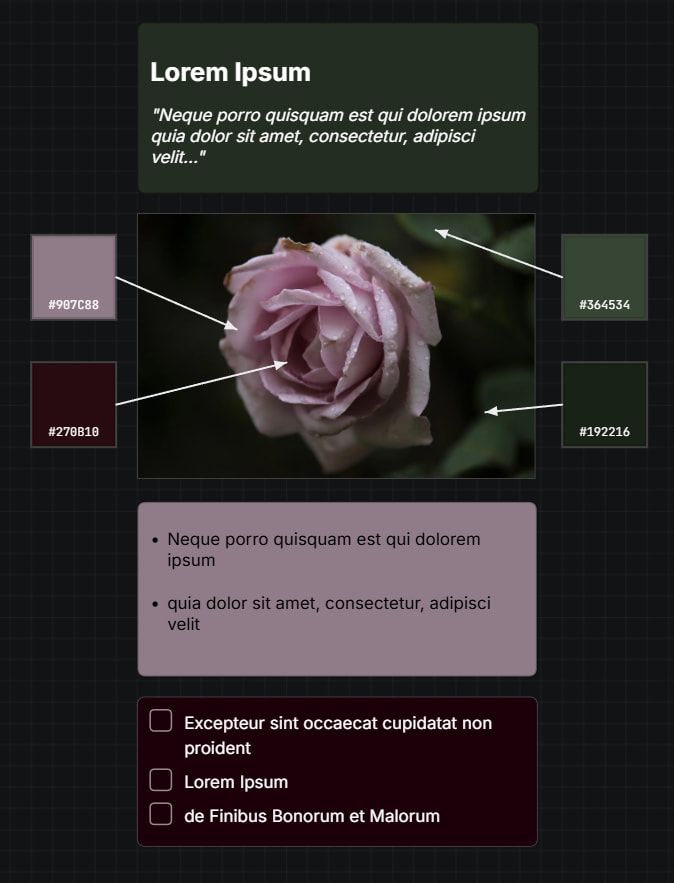
Precise creative control
Resize, rotate, and layer images with precision.
- Resize and rotate handles
- Layer ordering for composition
- Keyboard shortcuts for everything
And the details that matter
Dark & light themes
Switch to match your preference or reduce eye strain during late sessions.
Export to image
Share your mood boards as high-quality PNG/JPEG with clients and collaborators.
Keyboard-first
Full keyboard shortcut support. Navigate, edit, and organize without touching the mouse.
Auto-arrange
Tidy overlapping images in a step: select them and press A, or with nothing selected, right-click empty canvas for Auto-arrange board.
Web access
Your boards in any browser, with cloud sync and nothing to install.
Share boards
Shareable links for client review, and invite another Moodis account to edit alongside you.
Version history
Dated copies of your cloud-synced boards, kept for 30 days on Pro and 365 days on Team. Put one back as a new board.
Web access comes with Solo and Pro; share links, co-editing and version history come with Pro. Try it free for 14 days, no card needed →
Your first board is a few minutes away
The desktop app is free for personal, non-commercial use on Windows and Linux. No account needed.
Solo and Pro both add cloud sync, the web app and a licence for client work; Pro adds share links and co-editing. Free for 14 days without a card, then €5/month.
The Mac app is on its way. Email me when it’s ready →